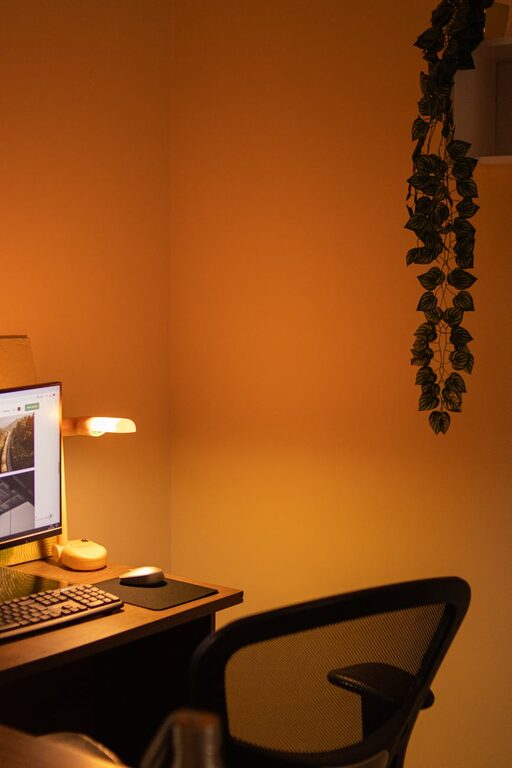
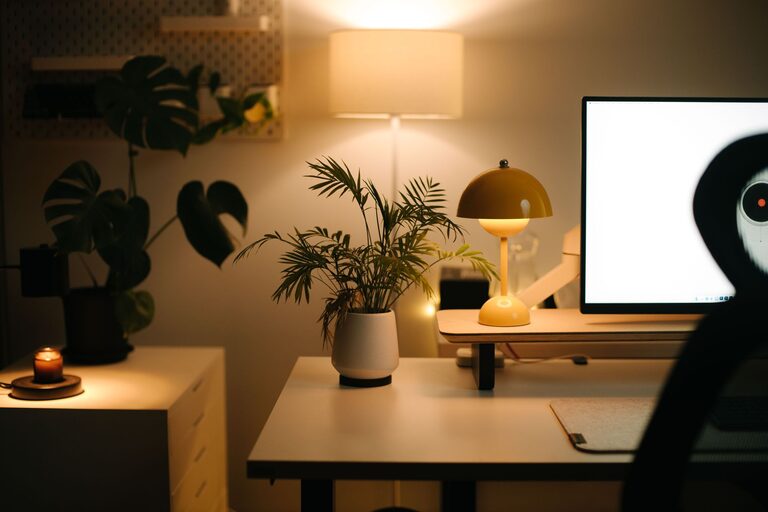
Creating a home office that balances comfort with productivity can greatly enhance your work-from-home experience. A cozy and well-organized space not only fosters creativity but also makes long hours more enjoyable and manageable. Whether you have a dedicated room or a small corner, these tips will help you design a home office that supports your workflow and wellbeing.
Choose the Right Location
Selecting the perfect spot for your home office is the first step. Ideally, pick a quiet area with minimal distractions. If possible, use a separate room to help keep work and personal life distinct. For smaller homes, a corner with good natural light can work well.
Consider Natural Light
Natural light boosts mood and alertness. Position your desk near a window to take advantage of daylight. If natural light is limited, invest in quality artificial lighting that mimics daylight to reduce eye strain.
Invest in Comfortable Furniture
Comfort is key to maintaining focus. A supportive chair and a desk at the right height prevent discomfort and fatigue.
– Ergonomic Chair: Choose a chair with adjustable height, lumbar support, and cushioning.
– Desk: Ensure your desk accommodates your equipment and allows for proper posture.
– Optional: A standing desk or desk converter can add flexibility and promote movement.
Organize with Purpose
Clutter can be a major distraction. Keeping your desk and workspace tidy helps improve concentration.
– Use drawers, shelves, or filing cabinets to store documents and supplies.
– Incorporate organizers such as trays, pen holders, and cable management tools.
– Adopt a daily or weekly tidying routine to maintain an orderly space.
Personalize Your Space for Comfort
Adding personal touches can make your office feel welcoming and inspire productivity.
– Decorate with plants to improve air quality and add a calming green touch.
– Hang artwork or photos that motivate or soothe you.
– Choose a color scheme that you find pleasant—soft, neutral colors often work well.
Minimize Noise Distractions
Noise can easily interrupt your workflow. Consider these options to create a quieter environment:
– Use noise-cancelling headphones or earplugs.
– Add soft furnishings like rugs, curtains, or cushions to absorb sound.
– White noise machines or apps can also help mask background noise.
Optimize Technology Setup
A well-functioning tech setup saves time and frustration.
– Position your computer monitor at eye level to reduce neck strain.
– Keep cables organized and out of the way.
– Ensure good internet connectivity for smooth communication.
Incorporate Break Spaces
Taking breaks is essential for productivity and mental clarity. If possible, include a small seating area or a spot where you can step away from work to relax.
Set Boundaries
Establish clear boundaries to separate work from personal time.
– Use a door or partition to visually separate your office.
– Set specific work hours and communicate them with family or roommates.
Final Thoughts
Designing a cozy and productive home office doesn’t require a large budget or space. Focus on comfort, organization, and personalization to create an environment that encourages your best work. Small changes can make a big difference in how you feel and perform during your workday at home.